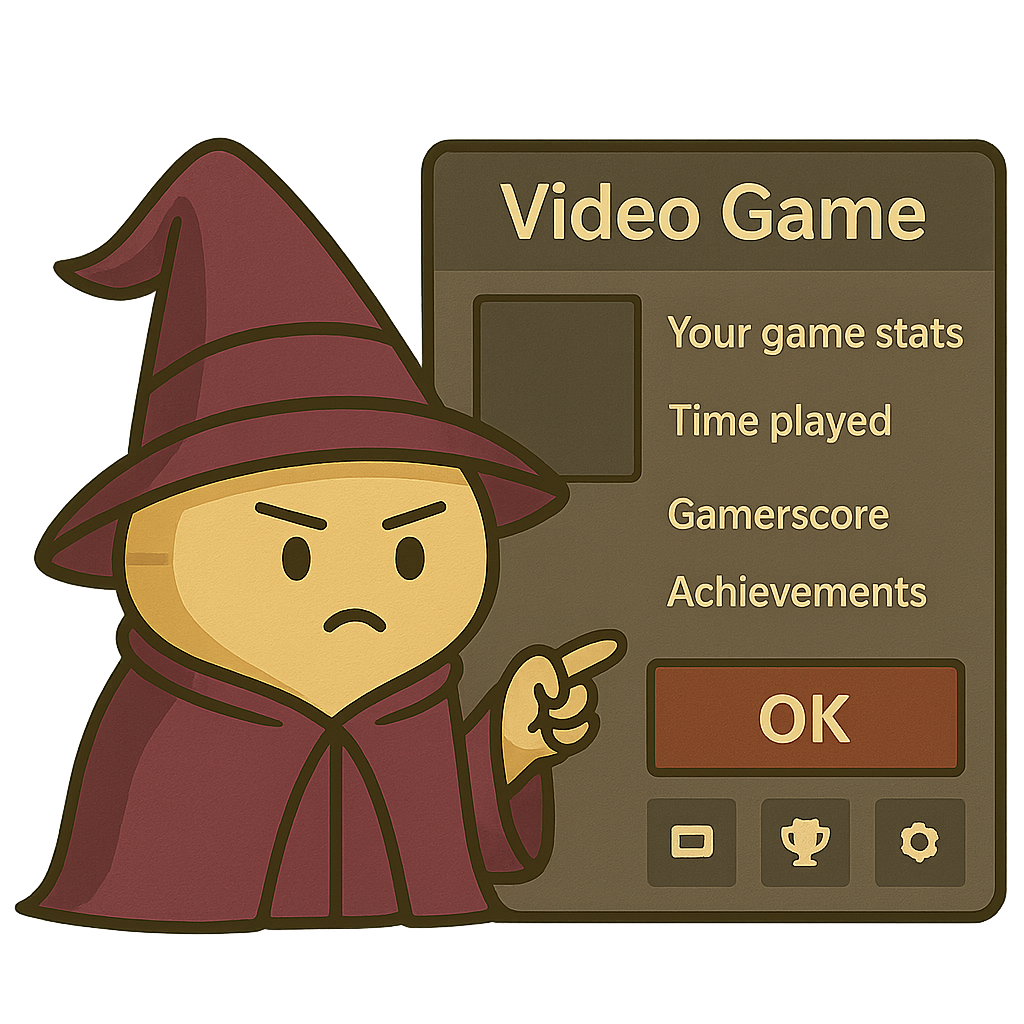
Trying to launch a game, but Xbox slaps a big info card in your face instead of jumping straight in? You’re not alone.
Here’s the real fix:
1. Go to My Games & Apps
2. Select Apps, then open Settings
3. Navigate to General > Personalization > Games & apps
4. Scroll and uncheck all the boxes under “Choose whether game hubs open automatically from the following places”
That gets rid of the extra pop-up.
Still want the info later? Just hit X instead of A—that opens the Game Hub instead of launching the game.